Playing Ketu Games on Your Phone: Fullscreen, Sound and Saves
Many people open Ketu Games on a phone. The games work there, but a few small things make the experience better. This page collects them in one place.
Use fullscreen
Many games have a fullscreen button in a corner of the game area. It gives the game the whole screen and hides the rest of the page, which is especially useful on a small phone. Tap it again to go back. If a game does not show the button, scrolling so that the game fills most of the screen works as well.
Turn the sound on
Browsers do not allow websites to play sound until you interact with them. If a game is silent, tap the screen once. Some games, such as Circle Illusion, ask you to do this. Remember that your phone also needs its media volume turned up and its silent switch off.
Rotate when it helps
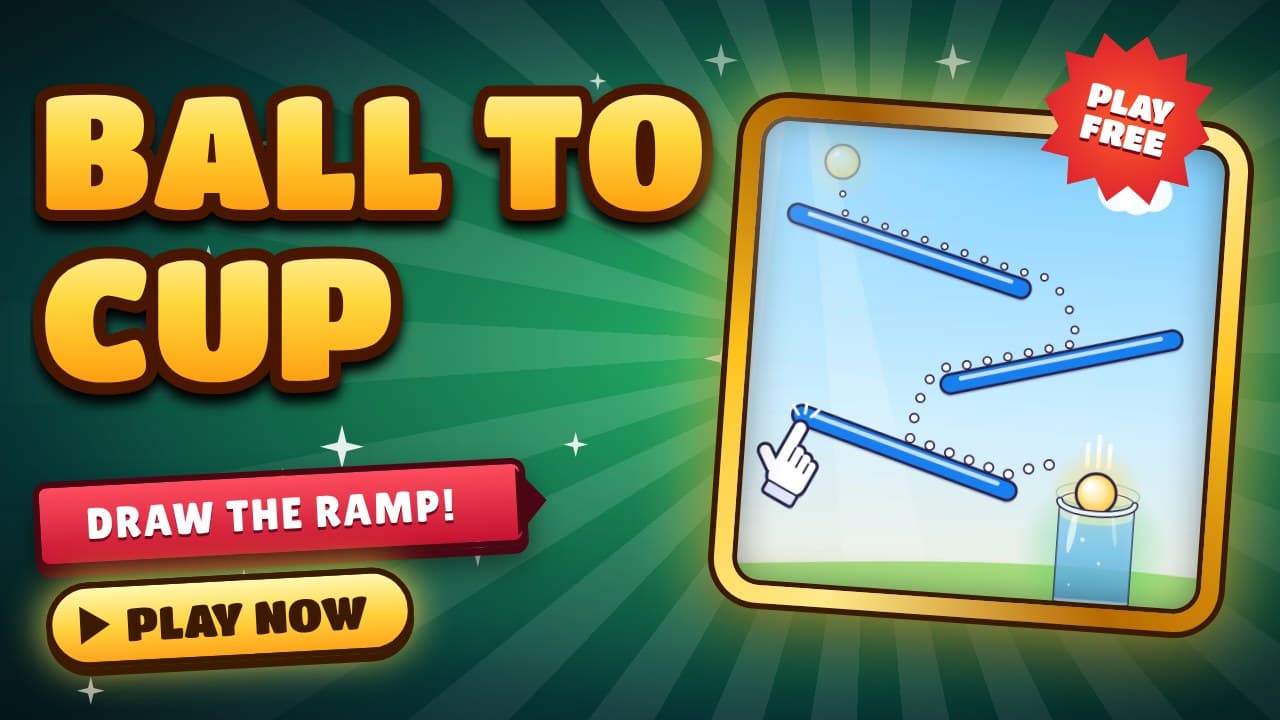
Each game is designed with a preferred layout. Ball to Cup is a portrait game, so hold your phone upright. Games such as Sky Drop and several simulations suit a landscape view and look best when you rotate the phone. If your rotation is locked, unlock it in your phone's settings.
Keep your progress
Ball to Cup saves your progress in your browser, on your own device. There is no account to create. This also means progress does not follow you between devices, and clearing your browser data or using a private window will remove it. Use the same browser each time to keep your levels.
Choosing countries on a small screen
In Country Clash and Country Escape you select countries before the game starts. Both offer 194 countries, so use the search box at the top of the list to jump to a flag instead of scrolling. Tap exactly as many flags as the game asks for, then press Play.
If something is not working
Refresh the page, check that your browser is up to date, and try again. If the problem continues, email us from the Contact page with the name of the game and the device you are using. We read every message and fix what we can.